
This guide will help you understand where to access your pertinent information within Engager.
By clicking on a clients name it opens their record. There are two main menus
- Steps 1 -9 along the top, these are the setup menus that you may need to go into to change details
- Steps 1 -9 along the top, these are the setup menus that you may need to go into to change details
- The left-hand menu where you carry out actions or see details for the specific client you are looking at
Tax References
Here you can view and add UTRS etc
Xama AML
Here you will see an overview of the Risk Assessments and client ids stored on Xama if you have linked the accounts
Letters of Engagement & Disengagement
Here you see and generate letters of engagement and disengagement
Professional Clearance Letters
Here you can view and generate Professional letters of clearance
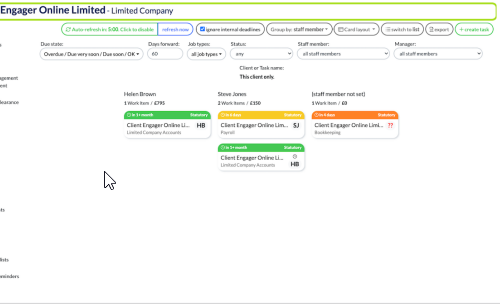
Jobs
Here you can see deadlines specific to this client
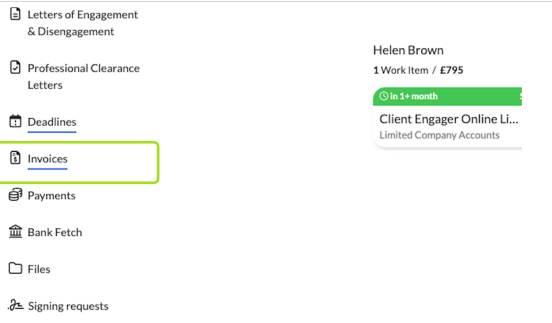
Invoices if linked to a bookkeeping solution such as QBO / XERO the invoices related to this client show here
Files
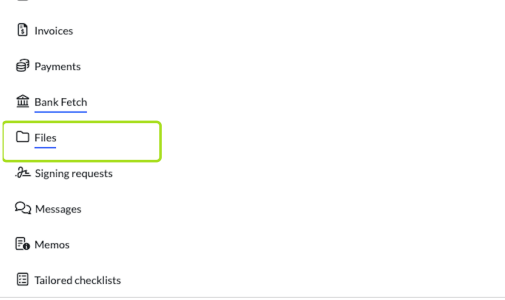
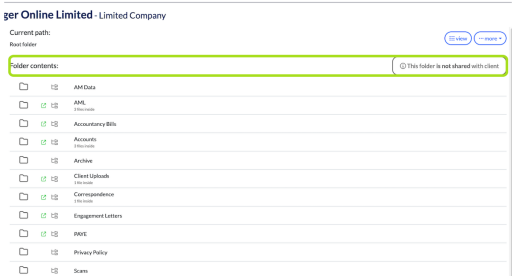
Here you can view and upload Iles to the client records
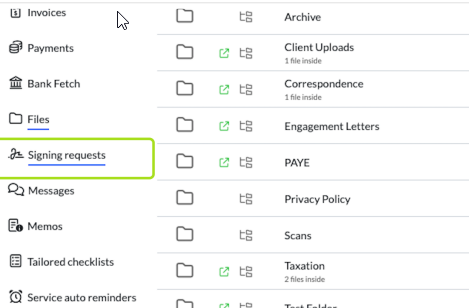
Signing requests / here you can see all signing requests sent to the client and each status
Memos
Files
Here you can view and upload Iles to the client records
Signing requests / here you can see all signing requests sent to the client and each status
Memos
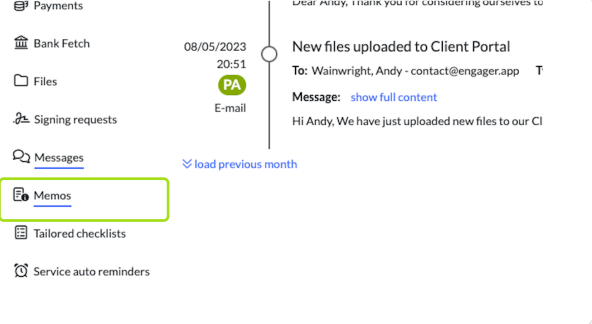
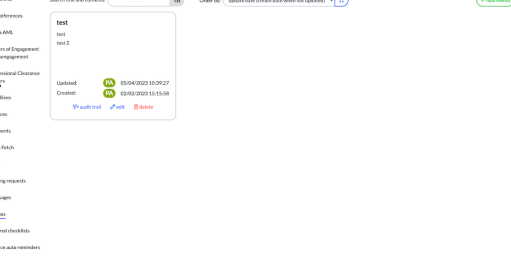
Here you can add and view memos / notes on this client
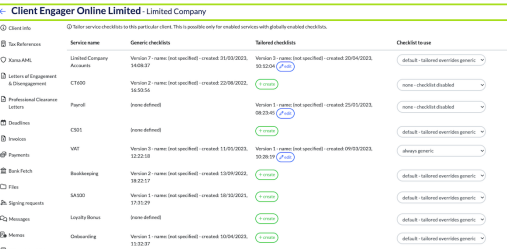
Tailored checklists
Here you can see and edit checklists for this specific client
 1
1
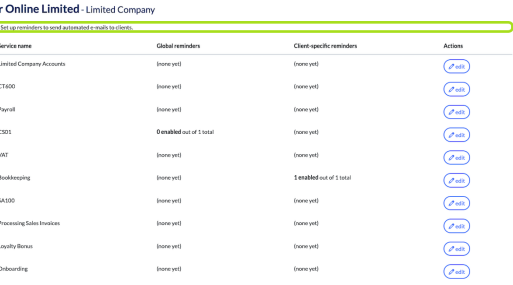
Service auto reminders - super handy as you may have some clients that detest getting auto auto reminders - so take them off the list :)
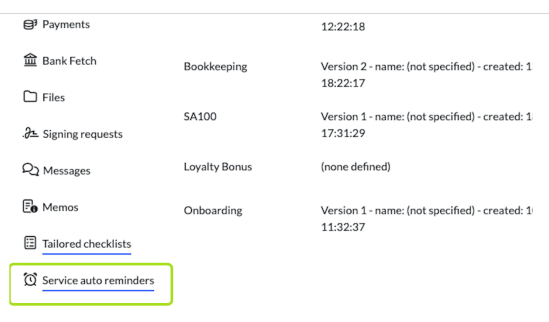
Here you can add or tailor automatic email reminders for this specific client
Tailored checklists
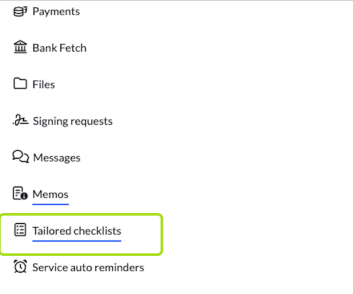
Here you can see and edit checklists for this specific client
Service auto reminders - super handy as you may have some clients that detest getting auto auto reminders - so take them off the list :)
Here you can add or tailor automatic email reminders for this specific client
Comments
0 comments
Please sign in to leave a comment.