
Your portal link is in Settings, under Portal > General settings.
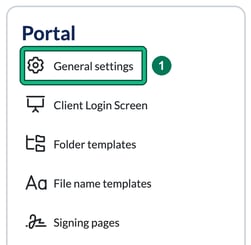
- To find the portal link for your firm’s client portal, click your name (top right) and select Settings. On the Settings page, select General settings on the Portal card.
- On General Client Portal settings, under Portal link, the link will be in blue with a copy button next to it. It will look like https://yourfirm.portal.engager.app.
