We recommend you navigate to File name templates. These allow you to set some pre-defined file names, so that when you upload a file to the portal you can quickly and consistently rename the file.
Client Portal Settings
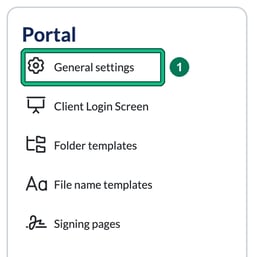
- Head to your Settings and, in the Portal section of the left-hand menu, select General settings.
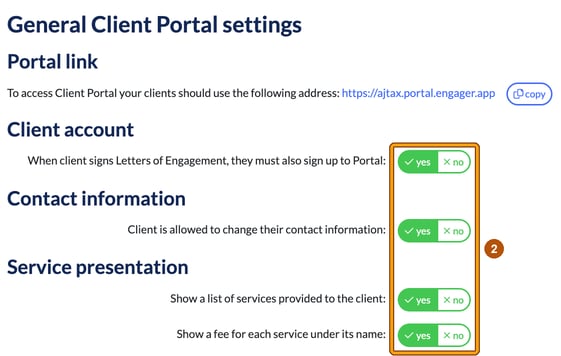
- From here you can amend the settings and permissions that you want your client to see and interact with in General Client Portal settings. Set each option to yes or no, then select Save.