
You set up the points in your professional clearance letter in Settings > Document content > Professional Clearance Letter points. Engager uses these points to generate the Professional Clearance Letter you send to your client’s previous accountant.
- In your Settings, head to the Document content card and select Professional Clearance Letter points.
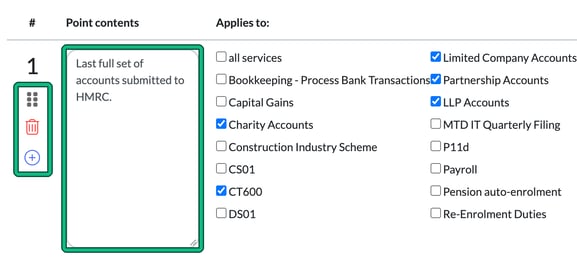
- In Point contents, enter the text for each item you request and details you need from the accountant.
- Under Applies to:, check the services that this request is relevant to, or tick all services.
- To reorganise the sections, click on the 6 dots under the point number.
- To delete a section, select the red bin.
- To add a section, press the plus symbol (add a point below).
- Click on Save at the bottom of the page.