
- Navigate to Settings > Communication > Message templates and select + new template. Give the template a Name: and an E-mail subject:, then select create & edit. This opens Edit template.
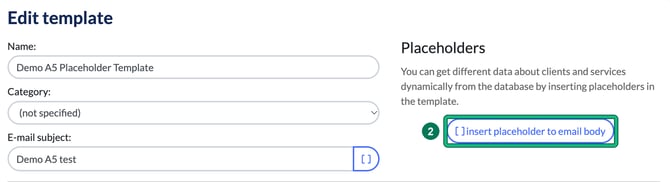
- Click in the email body where you want the placeholder to go, then select [ ] insert placeholder to email body.
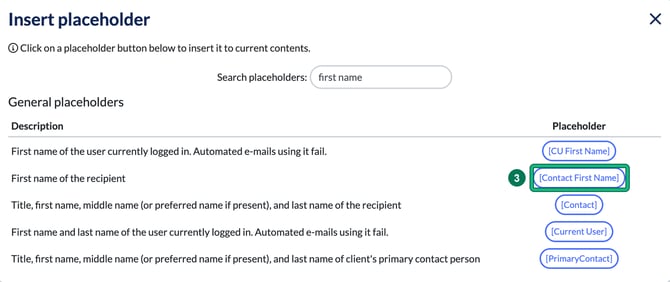
- Find the placeholder you would like to add to your message template and click it once. You can type in Search placeholders: to filter the list by description.
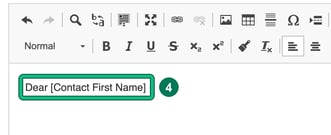
- You'll then see the placeholder added to your message template, where your cursor was. Select Save.
Check each placeholder's description before you use it. Some, such as [CU First Name], say "Automated e-mails using it fail", so keep those out of templates used by automations.