
Don't know how to mark a Job as Completed?
✅ How to Mark a Job as Complete
To mark a job as complete, follow these steps:
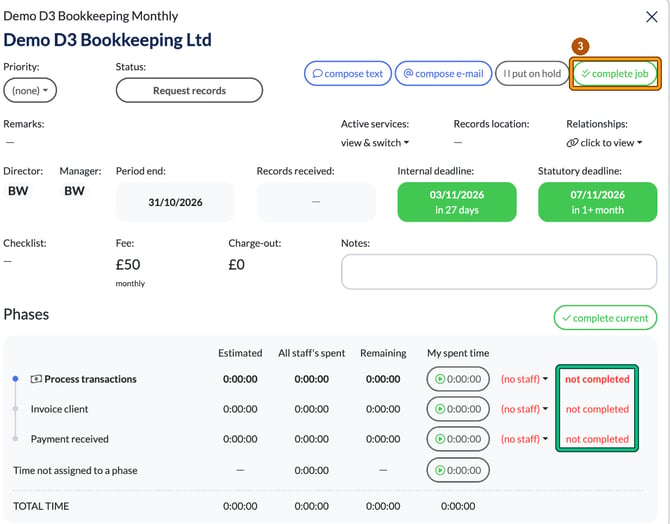
- Click on a white space on the Job card to open it.
- Inside the Job card, complete any Checklist that is present. You don't have to complete every phase first, but the checklist must be finished: if it isn't, you'll see Checklist to complete, and selecting OK opens the checklist for you.
- Once everything is ticked off, select complete job at the top right to mark the Job as complete.
If you see "Could not determine service frequency", the job's service has no frequency set, so the job can't be completed. Set the service's frequency in Settings > Jobs > Services first.
🔄 What Happens Next?
- The Job will disappear from your board and move into the Completed Jobs Report.
- A new Job will automatically regenerate for the next period (e.g. next year’s Year-End Accounts or the next quarter’s VAT Return).
- Engager will carry forward your Internal Deadlines and Staff allocations (for Phases), so you're ready to go.