
Recording the people and businesses connected to a client, such as directors, shareholders or family members, helps you see the full picture when you assess the client.
See a client's related individuals and entities
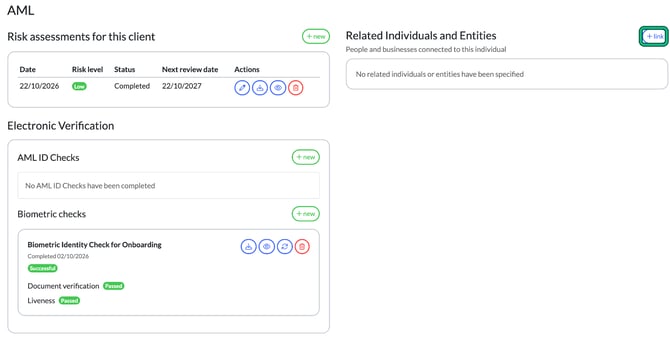
- Open the client and select AML in the left-hand menu.
- Look at Related Individuals and Entities.
Link a person or business
- Next to Related Individuals and Entities, select + link.
The client record opens at Step 3: Related individuals & contacts.
- Select + add and add the person or business.
- Select Save.

They now appear under Related Individuals and Entities on the client's AML tab.
Related individuals have access to the client's Client Portal. Engager shows a note about this on the Related individuals & contacts step.