The completed custom tasks option (under Due state: in Jobs Filters) only shows standalone tasks, not whole completed jobs. Completed service jobs leave the board.
To see fully completed jobs, use either of these:
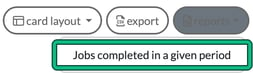
- Jobs > reports > Jobs completed in a given period, which opens the Completed jobs report. See Completed Jobs Report.
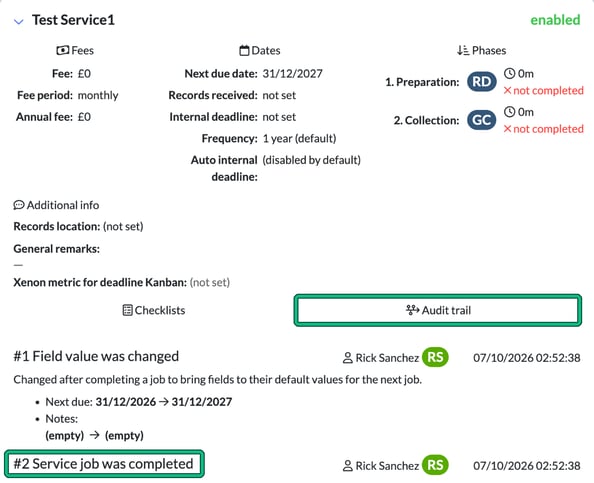
- On the client record, Step 10: Summary: under Service details, expand the service card and select the Audit trail tab, which shows "Service job was completed".